Items 21 to 30 of 42 total

per page
Page:
  1. 1
  2. 2
  3. 3
  4. 4
  5. 5
Set Descending Direction

PIPO Tablet Common Problems

Tuesday, July 21, 2015 11:40:10 PM America/Los_Angeles

1. What to do when PIPO Tablet can not connect to WiFi?

(1) Make sure the wireless router which provide network services can work correctly.
(2) Make sure there is a certain distance between the tablet and the wireless routing, no walls or other obstructions between the partition.
(3) Make sure you have input the right Username and Password.

2. Why will it take so long to power off your tablet?

The speed of shutting down your tablet depends on how many apps you have opened. It may because you have started too many applications at the same time, leading to slower down the speed of powering off your tablet. It may also because your tablet has been used for a long time, and too hot a body makes the processor operate more slowly.

3. Why it can not be formated?

Your deveice may be running some important processing, if formated directly, it may lead to failure. Therefore, we suggest you'd better close all the processes that are running before you are going to formating your tablet.

4. Why games can not be opened in your tablet or tips of process terminated unexpectedly appeared?

The compatibility of the Android games mostly depends on the game developer themselves, it may because the game really does not provide support for the device.

5. How to deal with the dead screen?

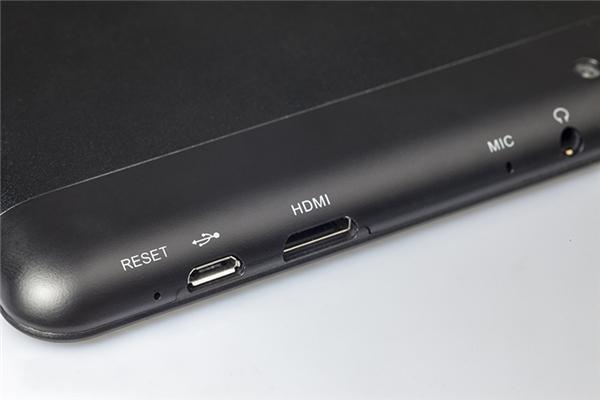
When it comes to a dead screen, you can find out the Reset button which is not so obvious on the device. the appearance of the reset button is a small hole, press it with a shrill stuff and then reboot your tablet, it will be OK.

6. Why it can not be recongnized by 32GB TF card?
Please use the FAT32GB formated TF card, and then choose Slow Format, it will be figure out.

7. Why it can not be charged?

Make sure to use our original charger. We do not guarantee to support the market charger. If do charging with our original charger and still can not charge, please contact us, our engineers will check it for you soon.

8. Can it be charged through the USB port?

Our PIPO tablets do not support charging through the USB port, please charge with the original charger or the DC charging port.
If your device does not have the DC port, you can connect your tablet to the charger with the USB cable for charging.

9. How to reset the password when you forget?

Method 1: You can use the password of your Google account to reset it when you have logged in your tablet with the Google account.

Method 2: Reinstall the system(The information in your tablet will be gone.)

10. Why the USB port can not work when reset to the Factory model?

First power off your tablet and then reboot, the system will be automatically configurated, it will be OK.

11. What to do when your tablet can not be turned on?

Charge your tablet with the original charger, and then use a pin to press the Reset button.

12. How to deal with the program error when using the program?
Programs that have been manually download, you can uninstallation first and then re-install the applications. For apps owned by the machine itself, you can brush your tablet to upgrade.

13. What to do when the Camera can not opened or can not be switched between the front camera and the back camera?

Please try to reset your device to factory mode: Setting-backup&reset -Factory Data Reset,if it still can not work, please update the firmware from computer,it will be figured out.

14. What should we do when the touchscreen is insensitive?

Download the corresponding version of firmware, and then upgrade your tablet.
Note: Please remember to download the firmware which is corresponding to your product model, and the unified upgrade tool, and then upgrading your tablet according to the upgrading instruction inside the Upgrading Tool.
15. What to do when your tablet power displays inaccurately?
Download the corresponding version of firmware, and then upgrade your tablet.
Note: Please remember to download the firmware which is corresponding to your product model, and the unified upgrade tool, and then upgrading your tablet according to the upgrading instruction inside the Upgrading Tool.


0 Comments | Posted By PiPo-Store

PiPo W6S Dual Boot is Coming

Monday, June 29, 2015 6:57:58 PM America/Los_Angeles

The 8.9 inch dual boot tablet PC - PiPo W6S is coming. The new dual OS tablet features the same size and uses the same CPU as Pipo w6 win8 tablet, but it supports Windows 8.1 with bing and Android 4.4 dual systems. And at the same time, the storage is enlarge to 64GB. When come to the functions, W6s supports GPS, wifi, Ethernet, OTG, etc. It also have a 3G version for 3G networks.
0 Comments | Posted By PiPo-Store

PiPo W8 Core M Tablet is in Stock and Ready to Send!

Friday, June 12, 2015 3:05:00 AM America/Los_Angeles

The first Core M Tablet of PiPo is in stock and ready to send. PiPo W8 is a high-performance tablet with deformation design. It will become a mini laptop with a magnetic keyboard. PiPo W8 has strong configurations. It uses 14nm new generation Intel Core M CPU, with 4GB DDR3L RAM and 64GB ROM. The 128GB ROM version will also be in stock later. Besides, W8 features a 10.1 inch retina screen with high resolution of 2560*1600 pixels. It also builds in 10000mAh large battery.
PiPo W8 has black and gold two color versions. PiPo W8 64GB ROM version now just  $459.99!

0 Comments | Posted By PiPo-Store

NEW Pipo $3 Discount Coupon Code 11/13 ~ 11/30

Wednesday, November 13, 2013 10:48:24 PM America/Los_Angeles

NEW $3 Discount Coupon Code 11/13 ~ 11/30

$3 Discount Codes: LK9A2W  (Price in cart equals or greater than $100 )

From Date November/13/2013
To Date   November/30/2013


The Coupon Code has been corrected

Thank you.

0 Comments | Posted By PiPo-Store

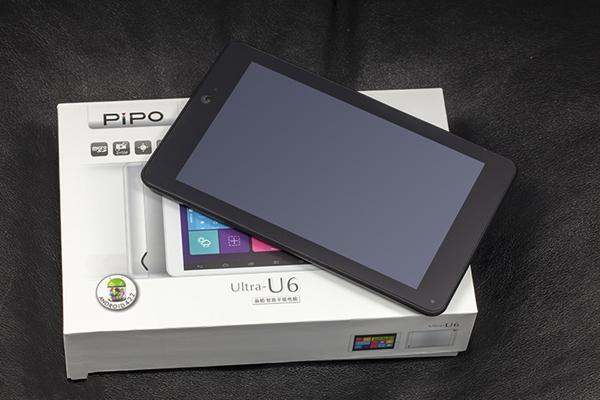
PiPo U6 7 Inch 1440*900 IPS RK3188 Android 4.2 in stock

Sunday, October 27, 2013 5:59:35 PM America/Los_Angeles

PiPo U6 7 Inch 1440*900 IPS RK3188 Android 4.2 in stock

PiPo U6 Species:

Pipo u6 Operation System    Android 4.2.2
CPU    RK3188 Quad Core; 1.6GHz    
RAM(Memory)         1GB   
Storage        16GB Nand Flash
Screen    Size     7 Inch  
Resolution  1440*900 Display:   IPS  
Camera    Dual camera: Front 2.0 MP, back 5.0 MP Autofocus
Bluetooth     Yes 4.0
Gyroscope,  Yes
compass   Yes
GPS    Yes

http://www.pipo-store.com/pipo-u6-tablet-pc-gps-7-inch-rk3188-quad-core-android-4-2-q770-2gb-white.html

0 Comments | Posted By PiPo-Store

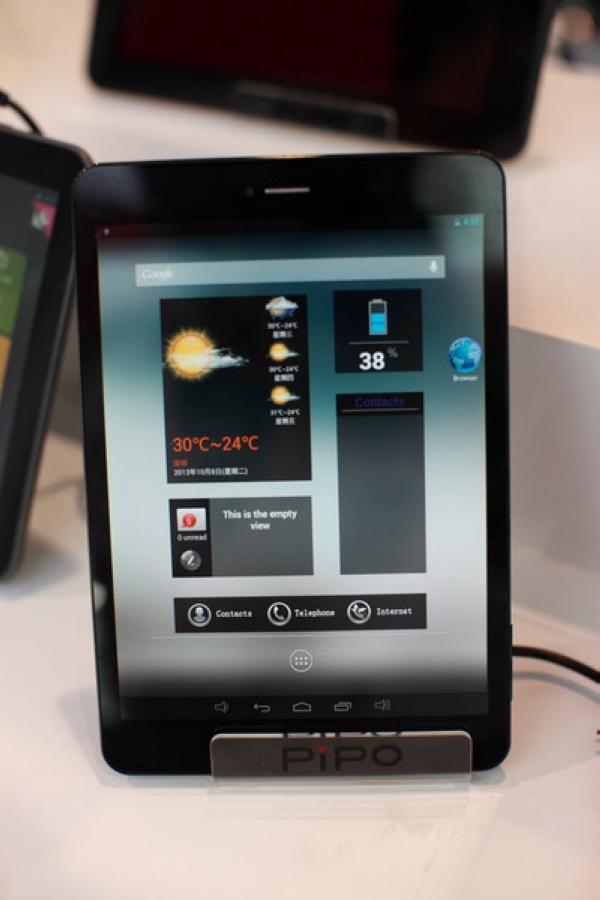
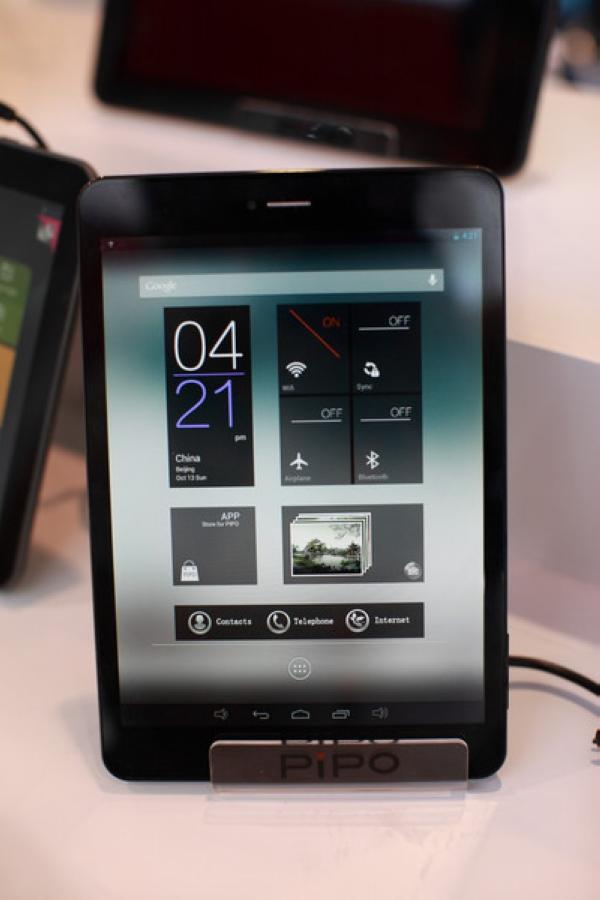
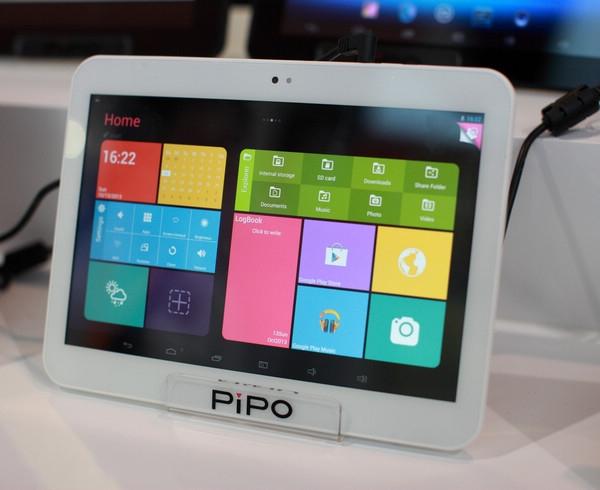
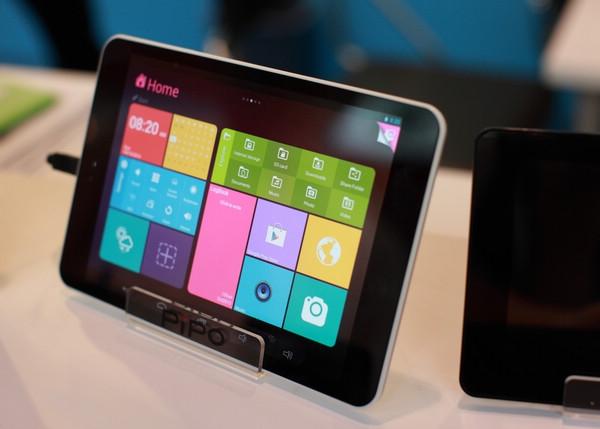
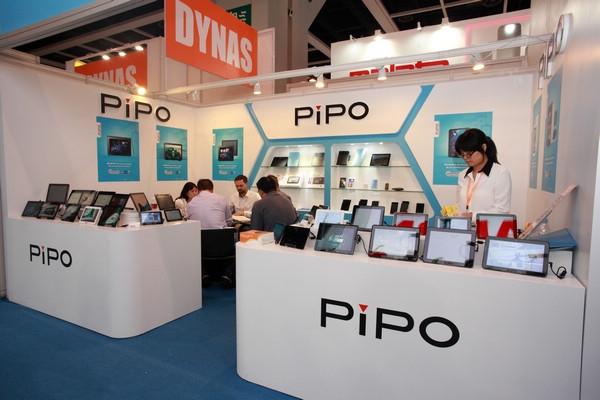
PiPo HK Electronics Fair Autumn 2013

Thursday, October 17, 2013 12:40:09 AM America/Los_Angeles

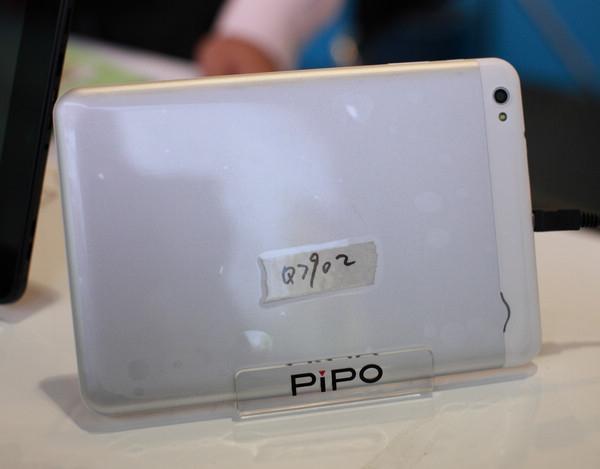
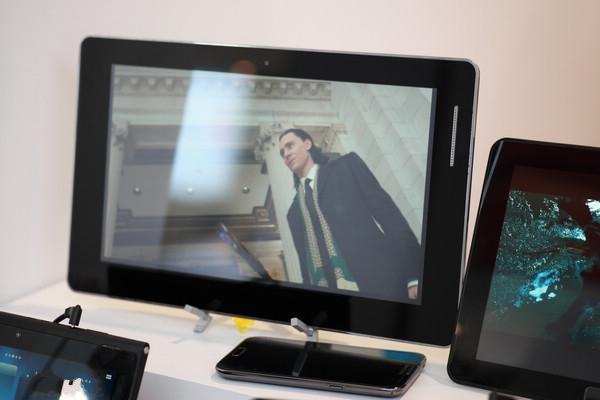
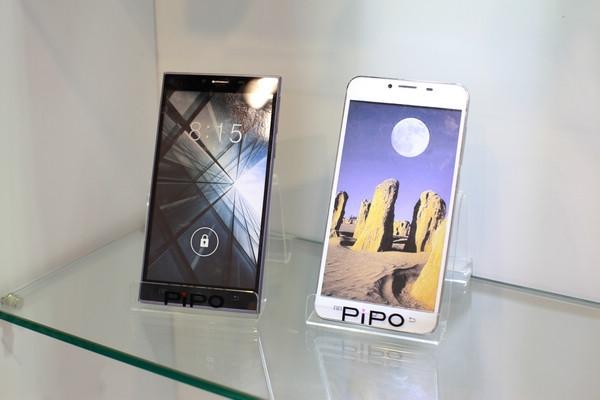
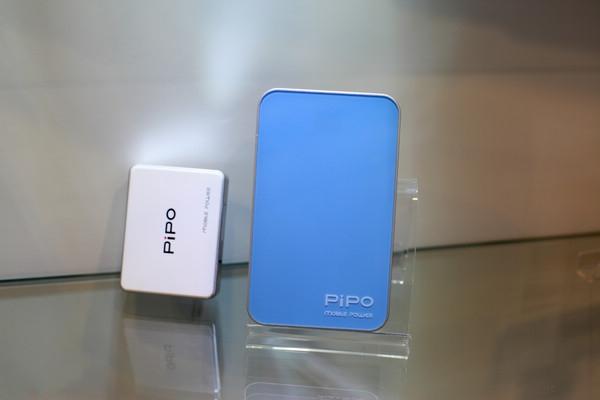
PiPo HK Electronics Fair Autumn 2013

0 Comments | Posted By PiPo-Store

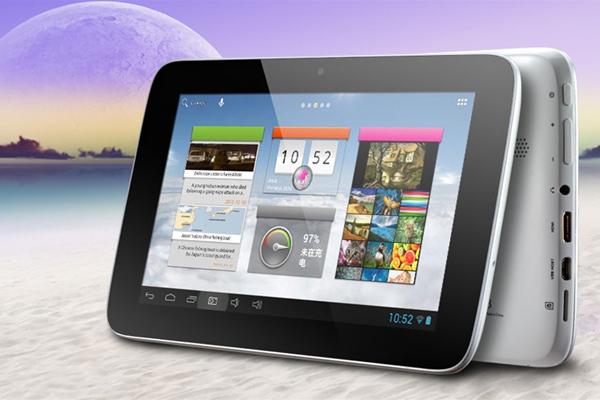
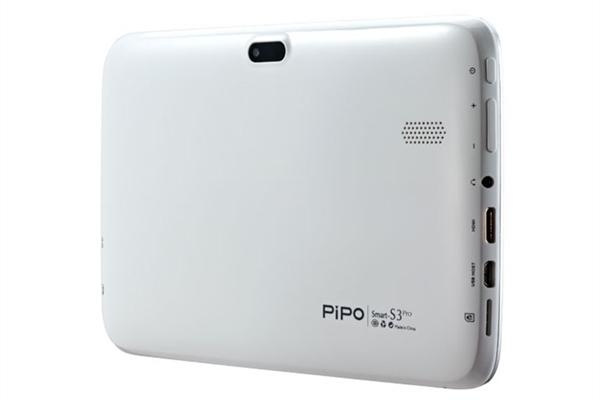
Pipo S3 pro 7 inch 1024*600 RK3188 16GB Coming Soon

Thursday, October 17, 2013 12:33:03 AM America/Los_Angeles

Pipo S3 pro 7 inch 1024*600 RK3188 16GB

CPU     Rockchip RK3188, Cortex A9 quad core, 1.8GHz;
RAM     1GB (DDR 3)
ROM Memory      16GB Nand Flash
Screen     Size     7 Inch
Type     Capacitive Screen, IPS screen.
Display     AHVA
Resolution    1024*600
Android 4.2
Camera     Dual camera, front is 0.3 megapixels, back is 2.0 megapixels with a flashlight

0 Comments | Posted By PiPo-Store

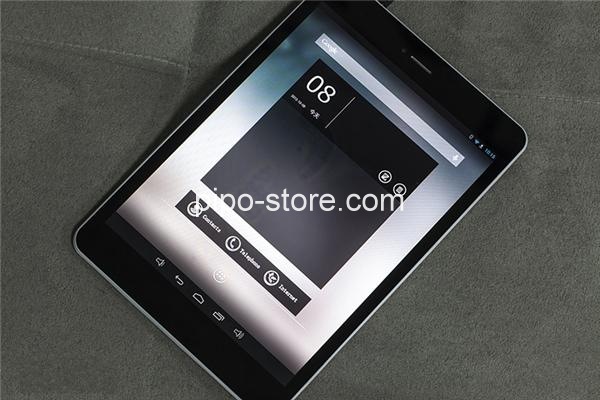
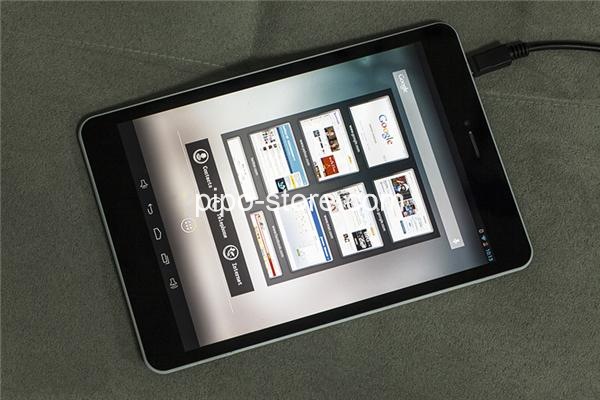
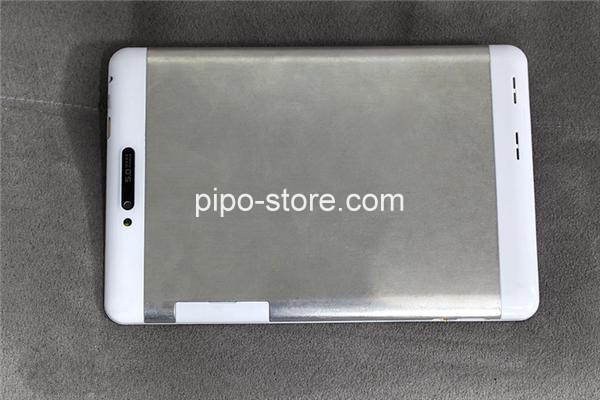
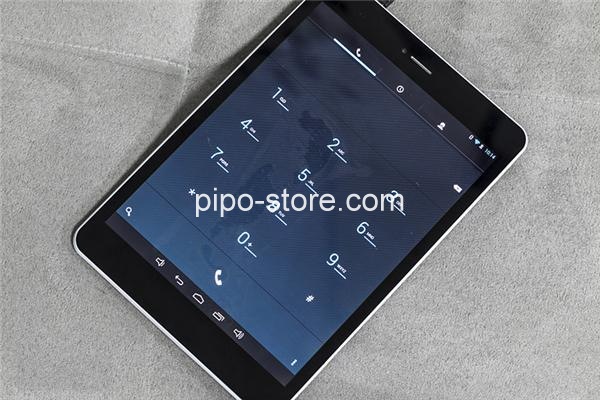
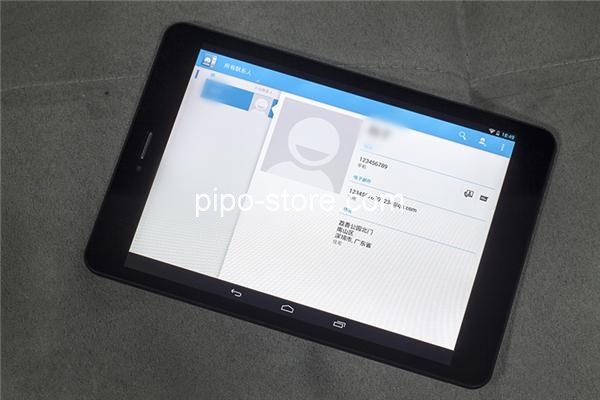
PiPo U8T 3G RK3188 Phone Calling Tablet -- The First RK3188 Phone Calling tablet

Monday, October 14, 2013 12:16:58 AM America/Los_Angeles

PiPo U8T RK3188 Phone Calling Tablet -- The First RK3188 Phone Calling tablet 

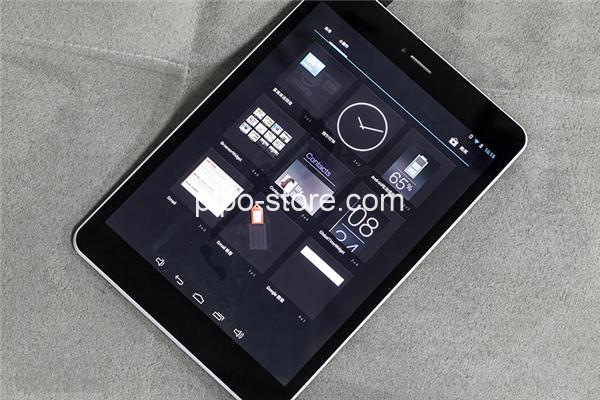
7.85 inch 1024*768,IPS

3G. WCDMA Support Phone calling
CPU     Rockchip RK3188, Cortex A9 quad core, 1.6GHz; GPU: Mali 400 MP4
RAM 2GB,
Camera     Dual camera, front is 2.0 megapixels, back is 5.0 megapixels
1 x Sim Card Slot
1 x TF card slot;
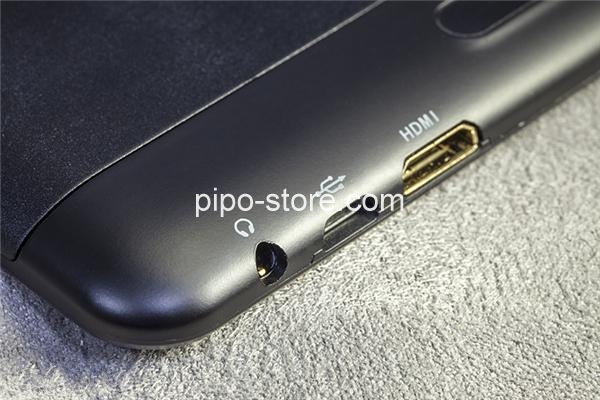
1 x MINI HDMI port
1 x Micro USB port (USB-OTG)
1 x 3.5mm Earphone port
 

0 Comments | Posted By PiPo-Store

PiPo U6 7 Inch 1440*900 IPS GPS Quad Core Android 4.2 2GB

Thursday, October 10, 2013 6:41:02 PM America/Los_Angeles

PiPo U6 7 Inch 1440*900 IPS GPS Quad Core Android 4.2 2GB

PiPo U6 Species:

Operation System    Android 4.2.2
CPU    RK3188 Quad Core; 1.6GHz    
RAM(Memory)         2GB   
Storage        16GB Nand Flash
Shell Material        Aluminum shell
Extend Card        Support TF card up to 32GB extended
Screen    Size     7 Inch  
Resolution  1440*900(16:10)
Display:   IPS  
Camera    Dual camera: Front 2.0 MP, back 5.0 MP Autofocus
Flash        Support Flash 11.1
Android Market        Yes   
Gravity Sensor        Yes
Bluetooth     Yes 4.0
Play Store     Yes, built in
Gyroscope,  Yes
compass   Yes
GPS    Yes

1 Comments | Posted By PiPo-Store

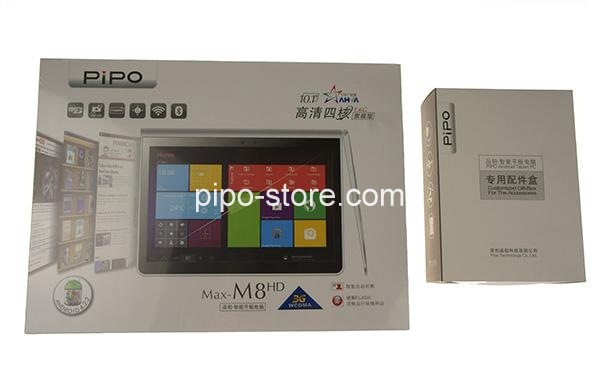
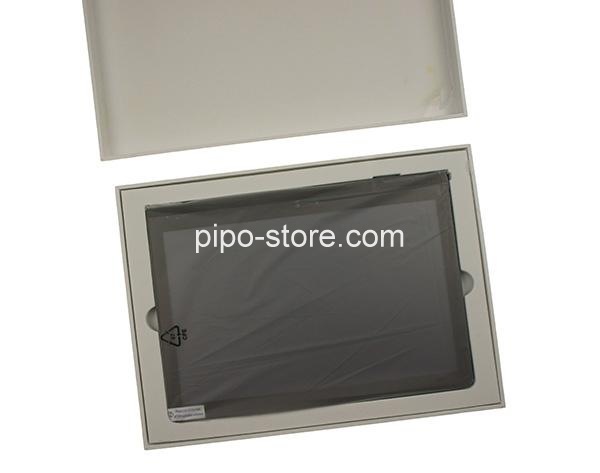
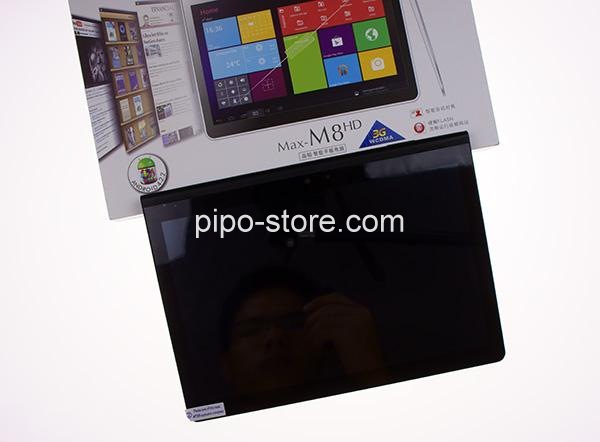
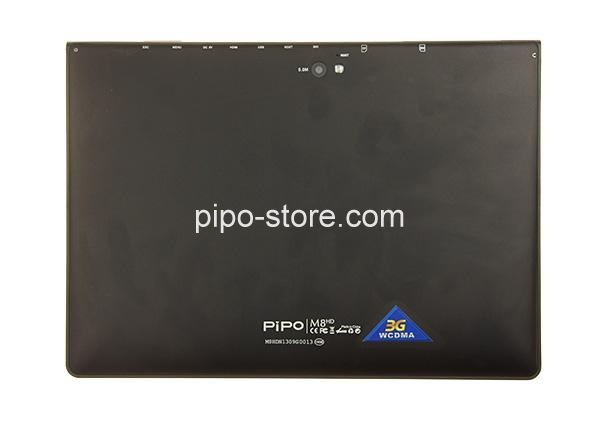
PiPo M8HD Tablet PC 10.1 inch IPS 1920*1200 Android 4.2 2GB 16GB

Tuesday, October 8, 2013 7:21:16 PM America/Los_Angeles

PiPo M8HD Tablet PC 10.1 inch IPS 1920*1200 Android 4.2 2GB 16GB

PiPo M8HD Tablet PC Specification

Model    PiPo M8HD Quad Core Tablet PC
CPU     Rockchip RK3188, Cortex A9 quad core, 1.8GHz; GPU Mali 400 MP4
Operation System     Android 4.2.2 PiPO UI 2.0
RAM     2GB (DDR 3)
ROM Memory      16GB Nand Flash
Extend Card     Support TF card up to 32GB extended
Screen     Size     10.1 Inch
Shell Material     Aluminum shell
Type     Capacitive Screen, IPS AHVA screen.
Resolution    1920*1200
Visible Angle     178°
Multi-Touch     Yes, 10 points touch
Camera     Dual camera, front is 2.0 megapixels, back is 5.0 megapixels with a flashlight
Bluetooth     Yes 4.0

0 Comments | Posted By PiPo-Store

Items 21 to 30 of 42 total

per page
Page:
  1. 1
  2. 2
  3. 3
  4. 4
  5. 5
Set Descending Direction

Please wait...